Android App Testing Checklist Before Google Play Release
A practical pre-release QA checklist for Android apps: installation, sign-in, permissions, devices, crashes and ANRs, offline behaviour, payments, privacy and store readiness — with a copyable checklist at the end.
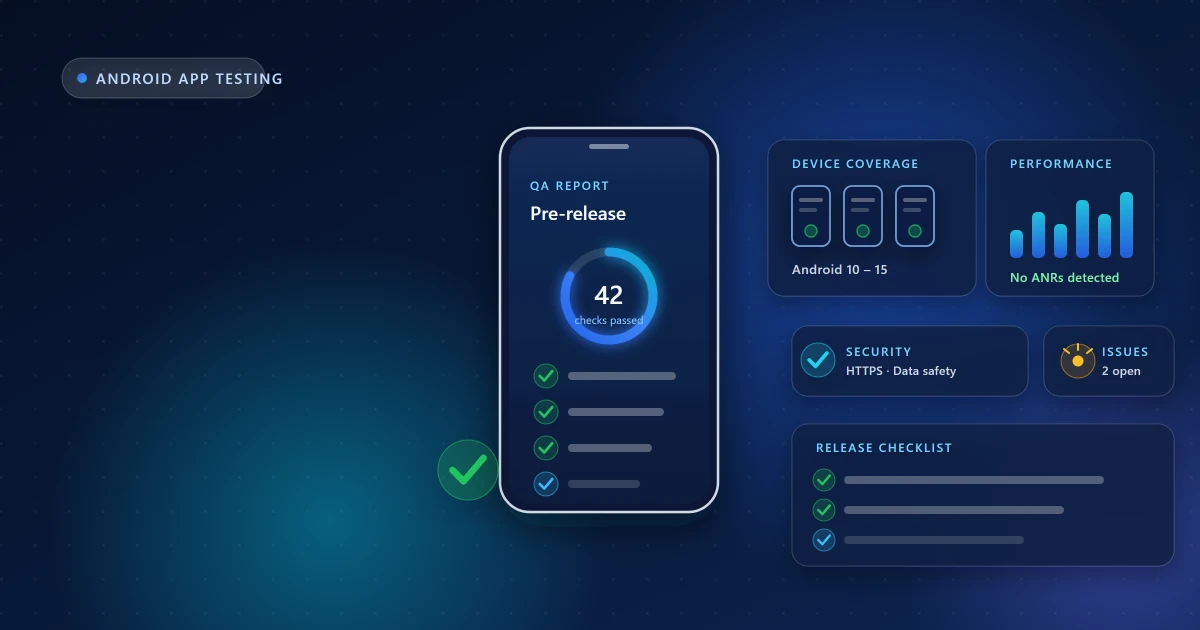
Your app can work perfectly on your own phone and still fail the moment someone else installs it. Different Android versions, permission states, account setups, screen sizes and network conditions expose problems that never appeared while you were building.
This is the checklist we work through when testing client apps before release. Use it as a gate: anything that fails here is cheaper to fix now than after your first one-star review.
Installation and first run
Start where every user starts — a clean install with no leftover state from development.
- Installs from Play on a device that has never had the app before
- Opens without crashing on first launch
- Onboarding is completable, and skippable where it should be
- Behaves correctly on reinstall — no stale cached data or broken migrations
- Updating from the previous version preserves user data (test the upgrade path, not just fresh installs)
Sign-up, sign-in and account states
Authentication causes more blocked testing rounds than any other single area.
- Registration works end to end, including email verification or OTP delivery
- Google Sign-In verified in the release build — release signing changes the certificate fingerprint, so an OAuth client configured only for your debug key fails for every real user. Use the fingerprints from Play Console under Setup → App integrity.
- Password reset works and the email actually arrives (check spam placement)
- Logout clears session data completely
- Sessions survive a day away, or fail gracefully with a clear re-login prompt
- Mandatory profile setup can be completed without dead ends
- App access demo credentials in Play Console are correct and current
Permissions
Test the denial paths, not just the happy path. A large share of users decline at least one prompt.
- Each permission is requested in context, with a reason the user can understand
- Declining a permission degrades gracefully — no crash, no dead screen
- "Don't ask again" is handled, with a route to system settings where relevant
- Notification permission on Android 13+ is requested properly
- No permission is requested that the app does not genuinely use
Navigation and interface
- Every screen is reachable, and the back stack behaves sensibly from each
- System back and gesture navigation both work as expected
- No dead buttons, no placeholder strings, no lorem ipsum
- External links open correctly and return cleanly
- Deep links and notification taps land on the right screen
- Forms validate clearly, keep input on rotation, and prevent duplicate submissions
- Long text, long names and empty states render without breaking layout
Android versions and screen sizes
This is where emulator-only testing goes blind.
- Covers your minimum supported version through the current release
- Multiple manufacturers — including at least one budget device, where aggressive battery management kills background work that survives elsewhere
- Small screens (~5"), large phones, and a tablet or foldable if you support them
- Dark mode, large system font sizes, and display scaling
- Landscape orientation, or a clean lock to portrait if unsupported
Crashes, ANRs and performance
Play Console's Android vitals and the pre-launch report both give you this data for free once a build is on a testing track — use them.
- No crashes in core flows; review vitals for clusters by device or OS version
- No ANRs. An "Application Not Responding" almost always means work is blocking the main thread — file, network or database operations that should be off it
- Cold start is quick on a mid-range device, not just your development phone
- Main lists scroll without jank
- Extended use does not exhaust memory on lower-RAM devices
- No unexpected battery drain from location, wake locks or background sync
Network and offline behaviour
- Airplane mode: clear messaging, no crash, sensible retry
- Slow or intermittent connections: spinners resolve, timeouts are handled, requests are not duplicated
- Switching between Wi-Fi and mobile data mid-session recovers
- Large uploads and downloads handle interruption
- Cached content behaves sensibly when stale
Notifications
Where applicable:
- Push notifications arrive on real devices, including after a reboot
- Tapping one opens the correct screen with correct context
- Channels are named clearly and can be managed by the user
- Nothing is sent that the user did not opt into
Payments and subscriptions
If you sell anything:
- Purchase flow completes using Play's license testing accounts
- Purchases restore correctly on reinstall and on a second device
- Subscription upgrade, downgrade and cancellation behave correctly
- Cancelled or expired entitlements actually revoke access
- Failed and interrupted payments are handled without leaving a broken state
Privacy and store readiness
These are review concerns as much as testing concerns.
- All traffic over HTTPS; no secrets hardcoded in the bundle
- Data safety form matches reality, including data collected by third-party SDKs
- Privacy policy URL is live, reachable and consistent with the data-safety form
- Account deletion is available if your app supports account creation
- Store listing text and screenshots reflect the current app
- Content rating questionnaire answered accurately
- Target API level meets Play's current requirement
- App access instructions and demo credentials provided for anything behind a login
Accessibility
Quick wins that also improve usability for everyone:
- Interactive elements have content descriptions and are reachable with TalkBack
- Touch targets are large enough to hit reliably
- Text contrast is readable, and layouts survive large font settings
- Nothing depends on colour alone to convey meaning
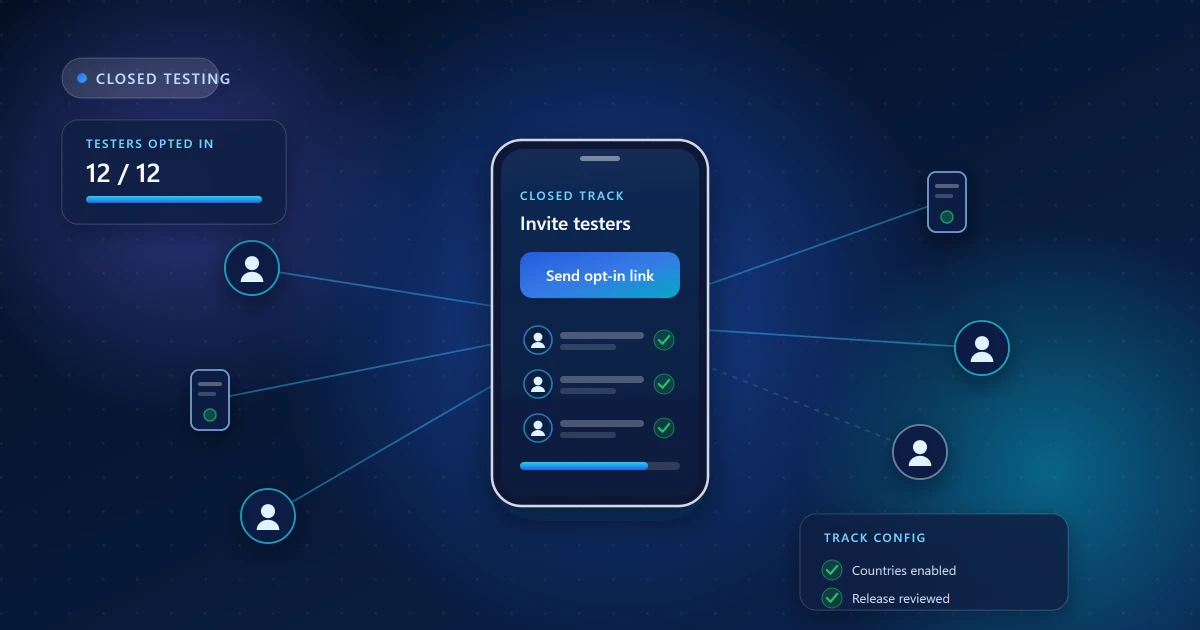
Closed-testing preparation
If you are heading into a closed test, add these:
- Signed release AAB uploaded to the closed track and reviewed
- Tester list added and countries your testers live in enabled
- Opt-in link ready to send — remember that adding an email is not an invitation
- Pre-launch report reviewed and blocking issues fixed
- You know which feedback questions you want answered
The closed-testing preparation guide covers this stage in detail.
The short version
If you only have an afternoon, cover these ten:
- Clean install opens without crashing, on a real device
- Sign-up and sign-in work in the release build
- The core feature completes end to end
- Declining permissions does not break the app
- Works on a budget device and an older Android version
- No ANRs; nothing heavy on the main thread
- Offline and flaky network handled with clear messaging
- Upgrade from the previous version preserves data
- Data safety, privacy policy and store listing all match the app
- App access credentials work for anyone reviewing it
Frequently asked questions
Is emulator testing enough?
No. Emulators miss manufacturer battery management, real network conditions, hardware quirks, and genuine performance on budget hardware — which is what a large share of Android users actually own.
How many devices do I need?
Coverage matters more than count: a couple of Android versions, one budget and one recent device, and a small screen alongside a large one will find far more than five similar flagships.
What is the difference between a crash and an ANR?
A crash terminates the app. An ANR is the system reporting that your app stopped responding — usually because the main thread is blocked. Both are tracked in Android vitals and both matter for release readiness.
How long should pre-release testing take?
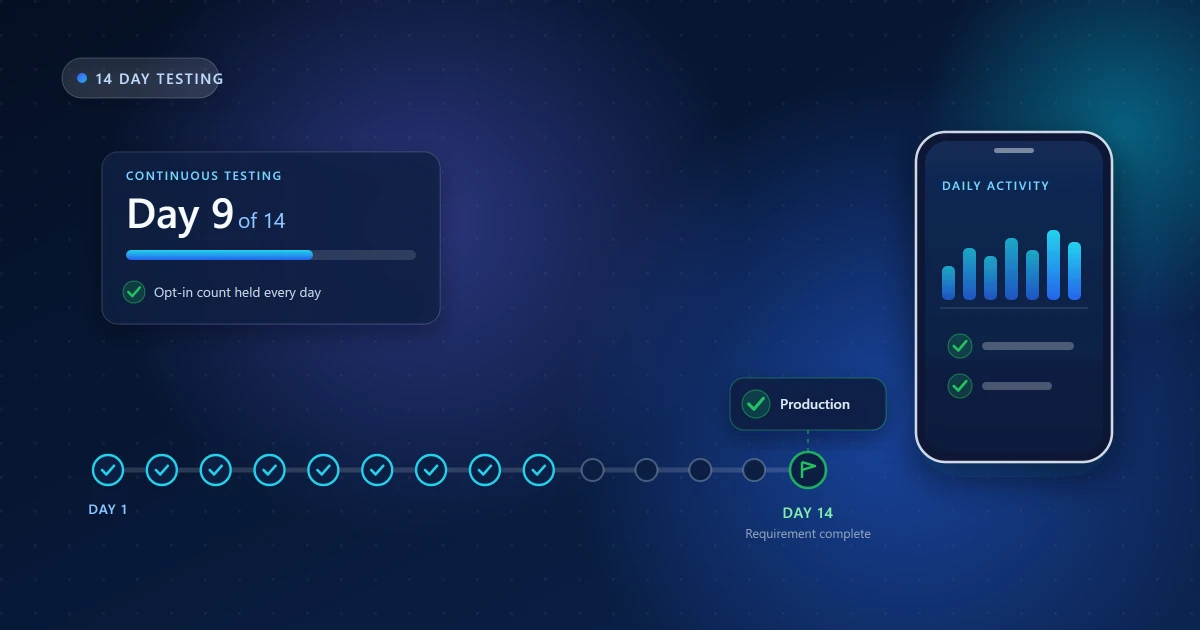
A focused pass over this list takes a day or two. A closed-testing round then spreads real usage across two weeks, which is what surfaces the state and stability issues a single session never will.
Related guides
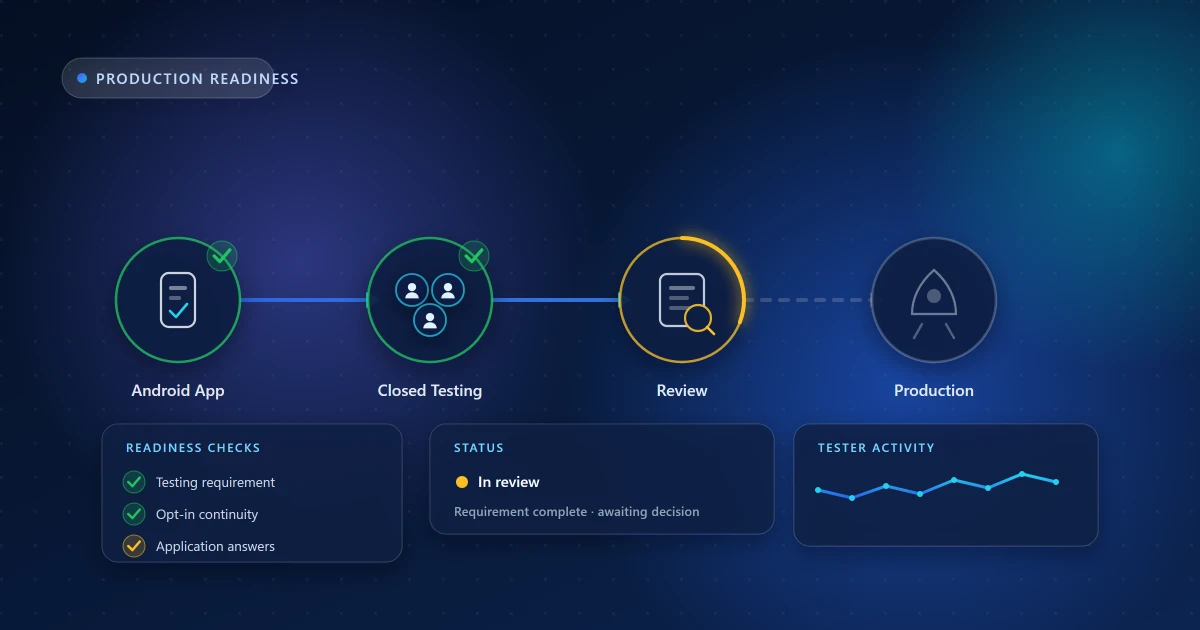
Heading into a closed test next? Read closed testing explained and the 14-day process guide. If you would rather have this list run by a team across real devices, that is what our app testing service does.
Need Help With Your Closed Testing Round?
Get real Android testers, structured testing support, and guidance throughout your testing period.
Android App Test is an independent testing service and is not affiliated with or endorsed by Google. Google Play requirements and Play Console eligibility rules may change — always confirm the exact testing requirement displayed in your own Play Console account.