Google Play Closed Testing Explained: What It Is and Why Your Account May Require It
Closed testing is the gate between a new developer account and a public Play Store release. Here is what the track actually is, which accounts hit the requirement, how it differs from internal and open testing, and what a test has to contain to count.

You finished your app, opened Play Console, and found that the production track is locked behind a testing requirement you did not expect. That is where most developers first meet closed testing — not as a QA idea, but as a gate between them and a public release.
This guide explains what the closed-testing track actually is, which accounts run into the mandatory requirement, how closed testing differs from internal and open testing, and what a test has to contain before it is worth applying for production access.
What closed testing is
Google Play gives every app four release tracks: internal testing, closed testing, open testing, and production. Closed testing sits in the middle: your app is distributed through Google Play exactly as it would be in production, but only people you have invited can find or install it.
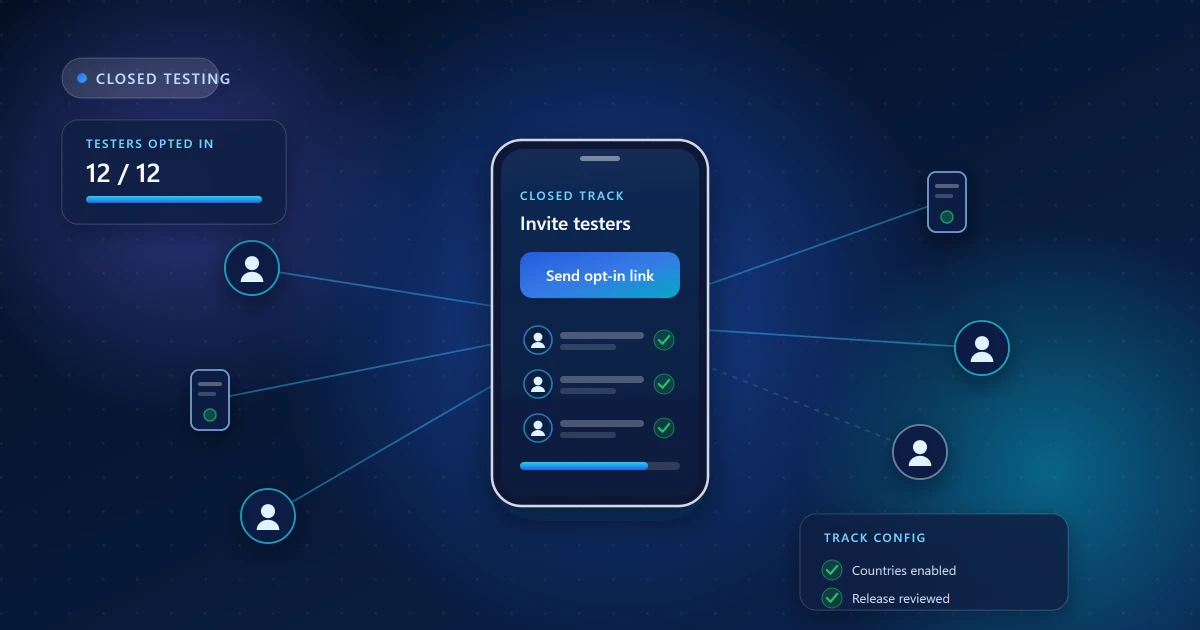
Testers are invited through an email list or a Google Group. They accept through an opt-in link, install from the Play Store like any other user, and receive updates as you upload new builds. Nothing is public, nothing appears in search, and your store listing stays private.
Two things make this different from handing someone an APK. The install path is the real one, so Play App Signing, licensing, in-app purchases and update delivery all behave as they will in production. And the participation is visible to Google, which is what turns closed testing into something that can be used as a requirement.
Which accounts are required to run one
Closed testing is optional for most established developers and mandatory for many newer ones. Broadly, personal developer accounts created after Google's late-2023 policy change must complete a closed test before the option to apply for production access becomes available. Organization accounts and older personal accounts generally are not held to the same gate, though the track remains available to everyone.
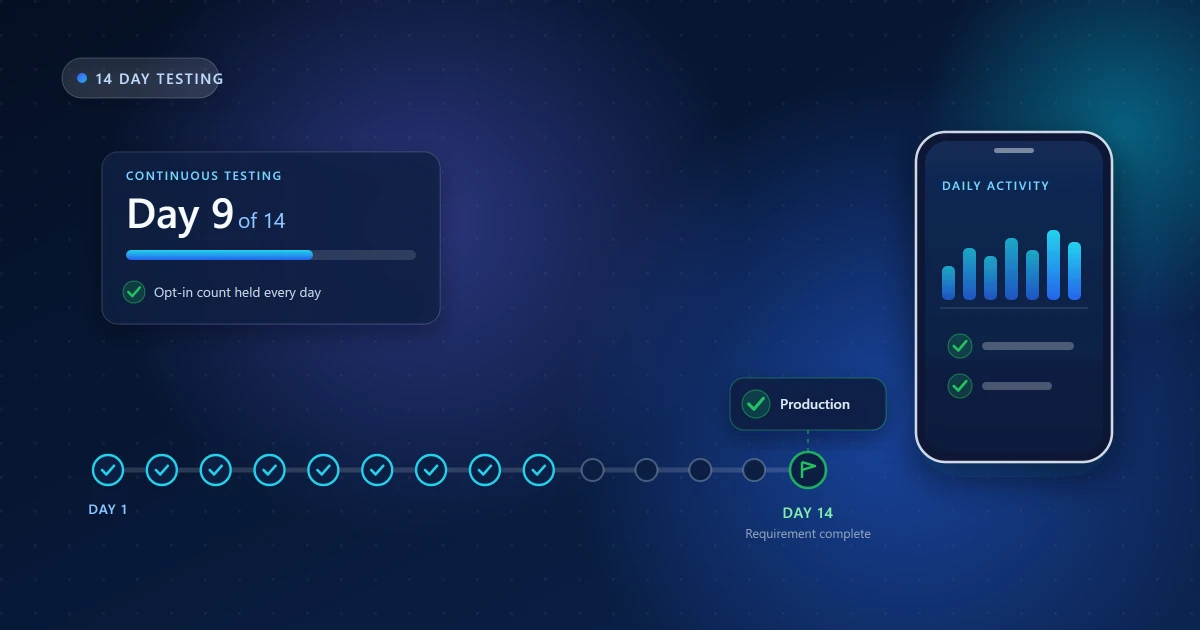
The specifics — how many testers, and for how long — are where developers get into trouble by reading old blog posts. The requirement has commonly been described as at least 12 testers opted in continuously for 14 days, but Google has adjusted the details more than once since introducing it, and what applies to you depends on your account.
Check your own Console. Google Play requirements and eligibility rules change. The authoritative version of your requirement is the testing task shown on your app's dashboard in Play Console — not any article, including this one. If the number there differs from what you have read elsewhere, your Console wins.
Closed vs internal vs open testing
These three tracks are easy to confuse, and picking the wrong one costs real time.
Internal testing
The fastest track. Up to 100 testers, releases go live almost immediately, and it is designed for your own team. It is excellent for smoke-testing a build before it reaches a wider group — but internal testing does not satisfy the closed-testing requirement. Developers regularly lose a week discovering this.
Closed testing
Invited testers only, reviewed by Google before the testing release goes live, and the track the production-access requirement is measured against. This is the one that counts.
Open testing
Anyone with the link can join, and your app becomes discoverable as a beta. Useful once you want scale and public feedback, but it exposes an unfinished app to strangers who can leave impressions you cannot control.
A practical sequence is internal first to catch the obvious breakage, then closed for the real testing round, then production. Open testing is optional and mostly valuable for apps that want a large beta.
Why Google requires pre-production testing
The requirement exists because Play was receiving a large volume of low-effort and abandoned apps from brand-new accounts. Asking for a genuine testing round does three things at once: it confirms a real developer is behind the app, it surfaces crashes and broken flows before the public sees them, and it produces participation data that is hard to fake convincingly.
That last point matters for how you approach the requirement. The goal is not to collect twelve email addresses. It is to run a test that genuinely happened.
How testers actually join
The mechanics trip up more rounds than the testing itself:
- You add tester email addresses to the closed-testing track, or point it at a Google Group.
- You publish a release to that track and wait for Google's review of it.
- You send testers the opt-in link from Play Console. Adding an address to a list does nothing on its own — each person must open that link and accept.
- Each tester must accept using the exact Google account you invited. A personal address invited but a work account signed in on the phone is the single most common onboarding failure.
- The tester's country must be one the closed-testing track is available in, or the listing simply will not appear for them.
During tester onboarding, the first thing worth verifying is that your opt-in count in Play Console actually moves. If you invited fifteen people and the Console shows four, you have an onboarding problem, not a testing problem — and it is far cheaper to fix on day one than on day ten.
What testers should actually do
A tester who opts in and never opens the app again contributes an install and nothing else. When you later answer Google's production-access questions about what you learned from testing, you will have nothing to say.
Useful testing during the window looks like this:
- Install from Play on a real device and complete first-run setup.
- Get through sign-up or sign-in — including whatever profile steps you require.
- Use the app's core feature the way a real user would, repeatedly, across several days.
- Wander into secondary screens, settings and edge cases where layout and logic problems hide.
- Report what broke, what was confusing, and what felt slow, with enough device context to reproduce it.
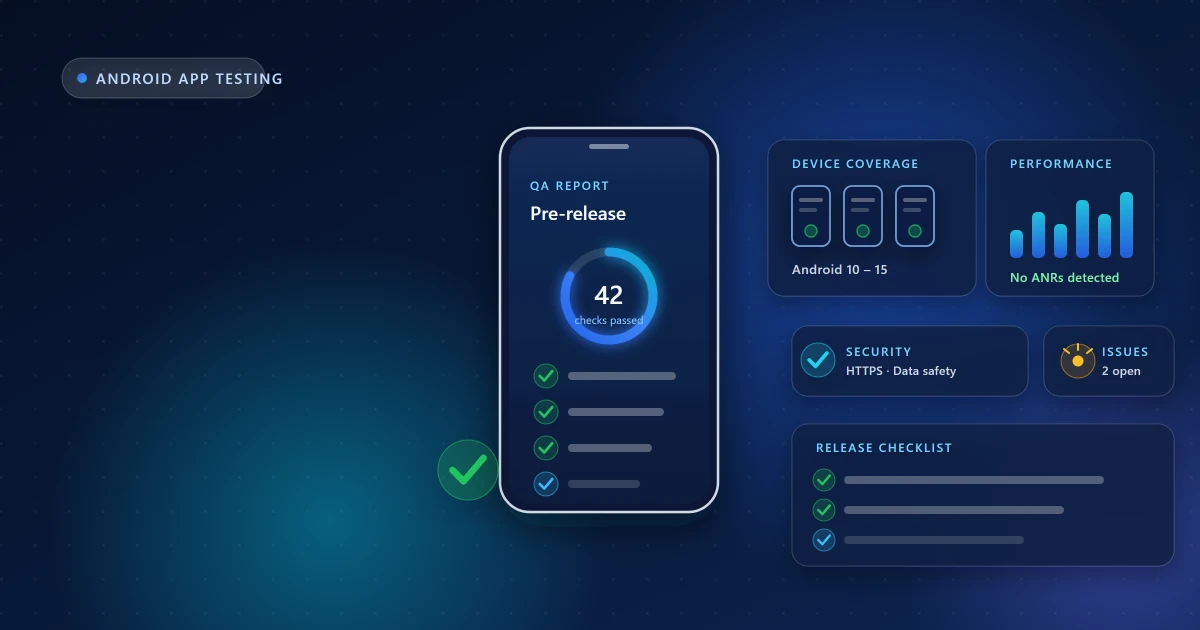
Device variety matters here too. A round run entirely on recent flagship phones will miss the aggressive battery management, slower storage and smaller screens that a large share of real Android users have. Testing on real physical devices across Android versions is what makes the feedback worth acting on.
Duration and continuity
The requirement is not only a count, it is a continuous period. The required number of testers must stay opted in across the whole window. If people drift away on day nine, the clock can effectively reset, and you often find out only when the task in Play Console still refuses to complete.
This is why monitoring matters more than recruiting. Getting twelve people to click a link once is easy; keeping the count intact for two weeks is the actual work. Our day-by-day guide to the 14-day process covers what to watch and when.
What happens after the requirement is met
Completing the testing window does not publish your app. It unlocks the production-access application, where Google asks how you recruited testers, what feedback you collected, what you changed as a result, and what your plans for the app are. Google then reviews the application alongside the app itself and makes the decision.
Be clear-eyed about this: no service, including ours, controls that outcome. What you control is whether the testing behind your answers was real. Applications backed by hollow testing are exactly the ones that stall — see why production-access applications get delayed.
Common mistakes
- Counting invitations as testers. Only completed opt-ins count.
- Using internal testing. It does not satisfy the closed-testing requirement.
- Ignoring country availability. Testers in unlisted countries cannot install at all.
- Letting the count dip. Continuity is part of the requirement.
- Zero engagement. Installs without usage make for weak application answers.
- Applying early. If the Console has not marked the task complete, wait.
- Shipping a broken build. A crash on first launch wastes tester goodwill and days of the window.
Frequently asked questions
Can I use friends and family as testers?
Yes, if they will genuinely use the app every day for the full period and not opt out halfway. In practice this is where most DIY rounds fail — enthusiasm fades around day three, and a silent opt-out breaks continuity without any notification.
Does internal testing count toward the requirement?
No. Only the closed-testing track is measured. Internal testing is still useful as a pre-check before you start the round that counts.
Can I upload new versions during the test?
Yes. Shipping fixes to the closed track during the window is normal and expected — it does not restart the period, as long as testers remain opted in.
How long does the whole thing take?
Setup usually takes a day or two including Google's review of the testing release, then the continuous window itself, then Google's review of your production-access application, which can range from a few days to a couple of weeks.
Who makes the final decision?
Google. Anyone guaranteeing production access is selling something they cannot deliver. What can be delivered is a complete, genuine test and an accurate application.
Where to go next
If you are about to start, work through preparing your app for closed testing first — most lost days come from setup, not testing. If your round is already running, the 14-day walkthrough shows what to check at each stage. And before you ship anything to testers, the pre-release testing checklist is worth an hour of your time.
Need Help With Your Closed Testing Round?
Get real Android testers, structured testing support, and guidance throughout your testing period.
Android App Test is an independent testing service and is not affiliated with or endorsed by Google. Google Play requirements and Play Console eligibility rules may change — always confirm the exact testing requirement displayed in your own Play Console account.