Common Reasons Google Play Production Access Applications Are Delayed
Finished the testing window but production access has not moved? These are the causes worth checking first — separating the requirements Google publishes from the preparation mistakes we see repeatedly.
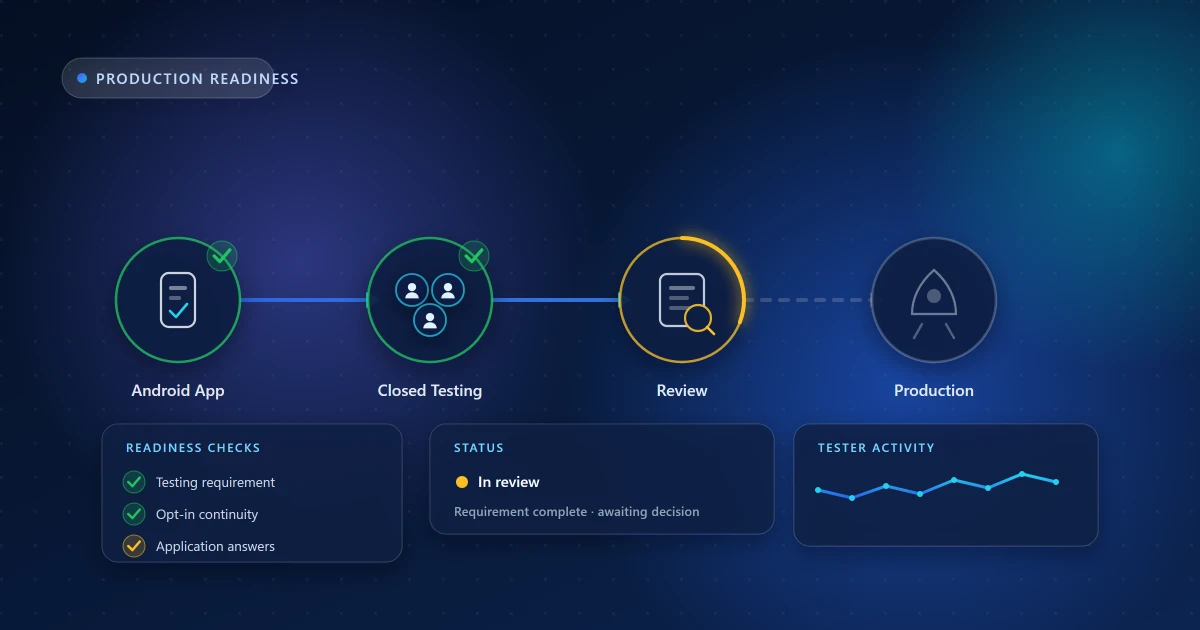
You completed the closed test, applied for production access, and nothing has happened — or Google came back asking for more testing. This stage is frustrating precisely because the feedback is thin: you rarely get a detailed explanation of what fell short.
What follows separates three different things, because conflating them is how developers waste weeks: the requirements Google actually publishes, the preparation mistakes we see repeatedly, and the part that is simply Google's decision.
A note on what is knowable. Google does not publish the internals of its review process, and nobody outside Google can tell you how an application is scored. Everything below is either a documented requirement or a practical observation from running testing rounds. Treat the second kind as "worth checking", not as insider knowledge.
1. The testing requirement was not actually completed
The most common cause, and the easiest to verify. Play Console shows the testing task on your app's dashboard with its current state. If it does not say complete, the application is premature no matter how many days have passed.
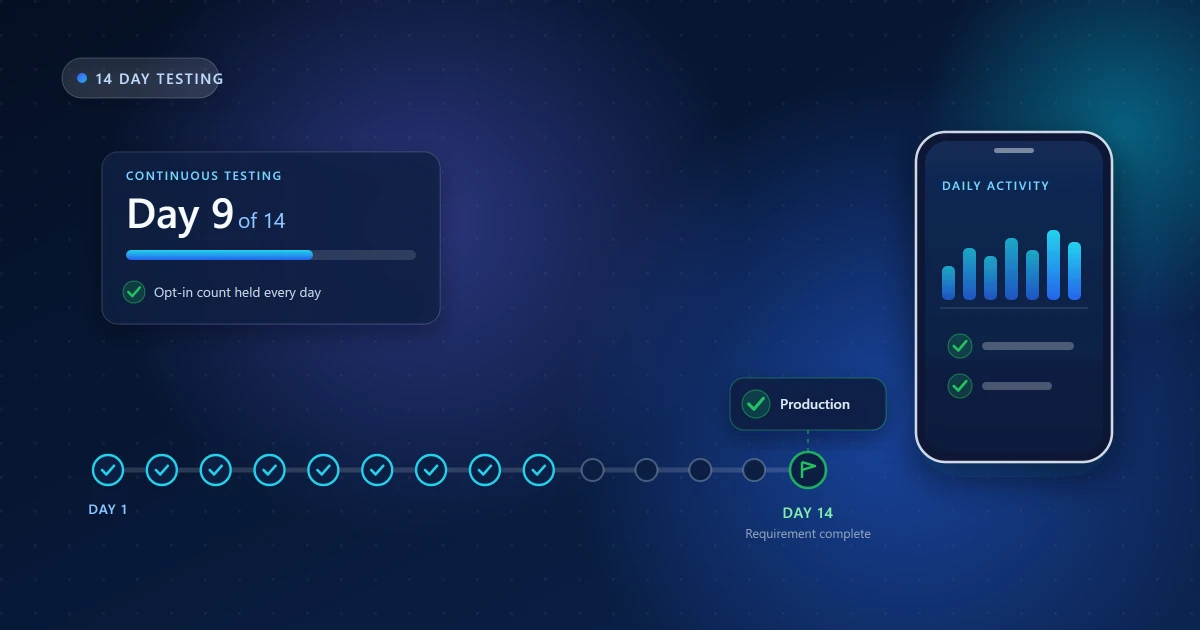
Off-by-one-day errors are frequent because the window runs from when the required tester count was reached — not from when you published the testing release. If testers trickled in over three days, your window started later than you think.
2. Opt-in continuity broke partway through
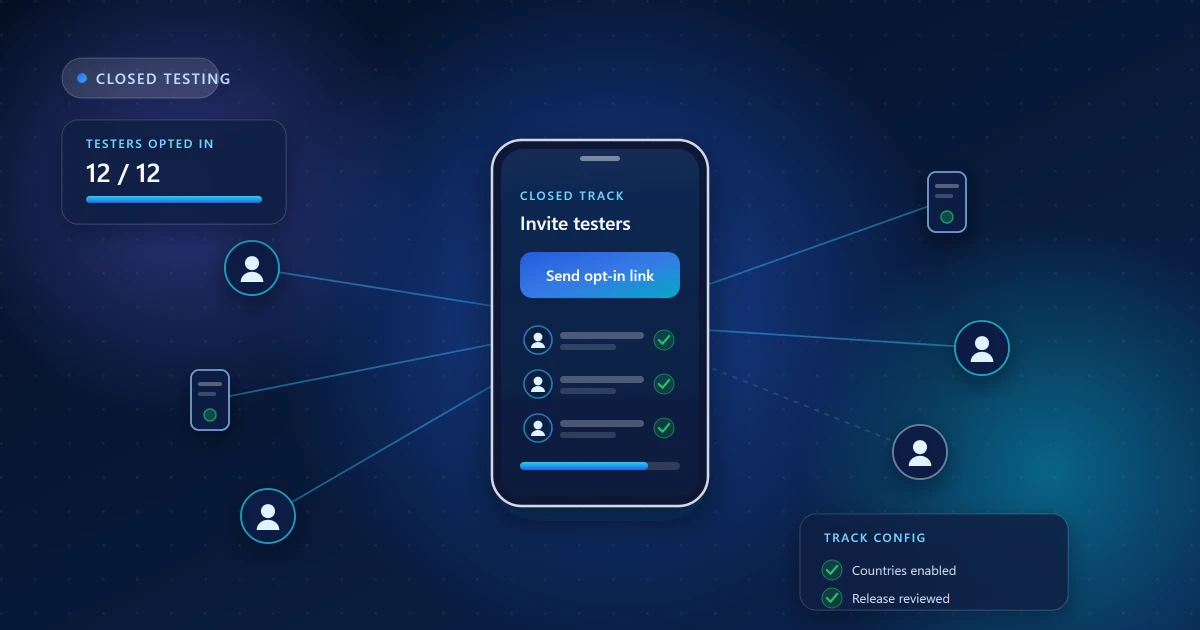
The requirement is continuous. If your tester count dropped below the threshold mid-window — because people opted out, uninstalled, or were removed from the list — the continuous period can effectively reset.
This is the classic failure mode of a round staffed by friends and family. Interest fades after the first week, someone clears out apps they are not using, and there is no notification when it happens. You discover it only when the task stubbornly refuses to complete.
What to check: your current opt-in count, and whether you have any record of it dipping. If you were not watching daily, assume you may have missed a dip.
3. Testers opted in but never really used the app
An install with no sessions behind it is a weak foundation. The production-access application asks what you learned from testing; if the honest answer is "nothing, because nobody opened it", that shows in the specificity of your answers.
This is also where paid "tester farms" cause problems rather than solving them. Bulk opt-ins with no genuine engagement produce exactly the pattern that invites scrutiny.
What to check: Android vitals and any analytics you have. If there are effectively no sessions across the window, the round did not really happen, and the fix is to run one that does.
4. The application answers were vague
Google asks specific questions: how testers were recruited, how feedback was gathered, what you changed as a result, and what your plans are for the app. Generic answers — "friends tested it, everything worked fine" — give a reviewer nothing to work with, and answers that do not match the visible testing data invite follow-up questions.
What to do instead: be concrete. How many testers, on what kinds of devices, recruited how. What themes came out of the feedback. Which specific issues you fixed, and in which build. If your round produced written feedback reports, this section largely writes itself.
5. The app itself is not ready
Production access review runs alongside normal app review, so app quality problems hold up the whole thing regardless of how good your testing was. The recurring offenders:
- Crashes or ANRs on launch or in main flows — check Android vitals and the pre-launch report
- Login walls reviewers cannot get past, because the App access section has no working demo credentials
- Placeholder content, dead buttons, or features that are visibly unfinished
- Store listing mismatches — screenshots or descriptions that do not reflect what the app does
- Data safety inconsistencies — declarations that do not match what the app and its SDKs actually collect
- Policy issues — permissions without justification, restricted content, missing disclosures
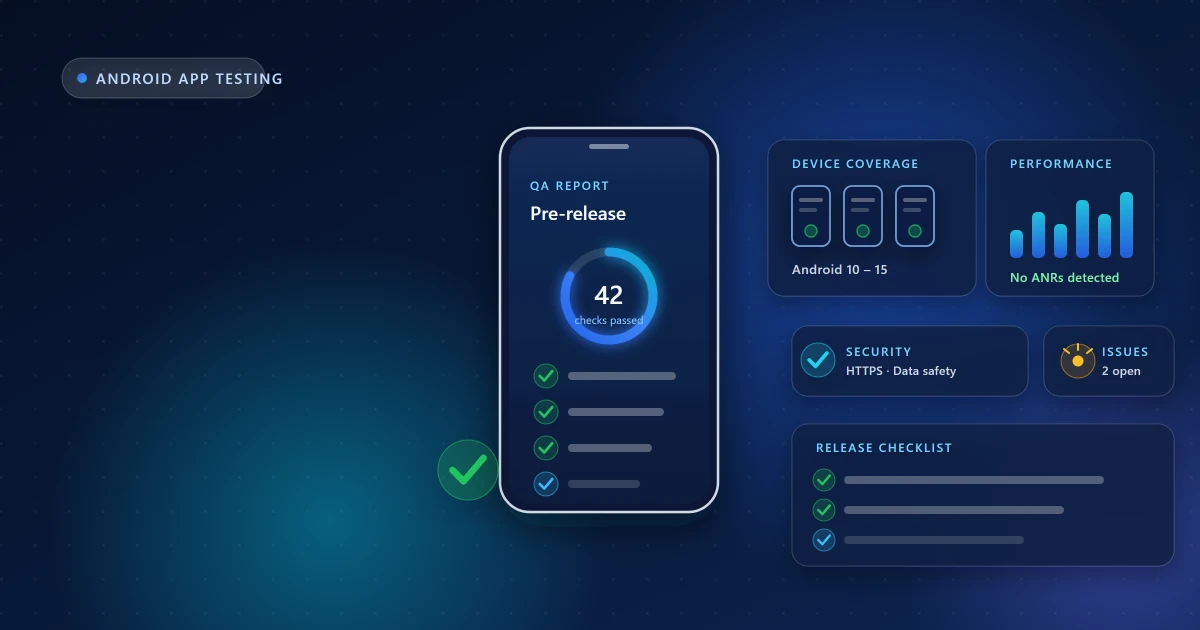
The pre-release testing checklist covers most of this ground systematically.
6. Account verification is incomplete
Sometimes what looks like a testing delay is an account problem: unfinished identity verification, an unverified developer address, payment profile issues, or an outstanding D-U-N-S requirement for organization accounts. These block progress quietly.
What to check: every open task in Play Console, not just the ones attached to your app.
7. It is simply still in review
Not every delay is a problem. Review times vary, and periods after major policy changes tend to be slower. If your requirement is genuinely complete, your app is sound, and your answers were specific, some waiting is normal.
What to check, in order
If you are stuck right now, work through this sequence:
- Does Play Console show the testing requirement as complete?
- Is your current opt-in count at or above the requirement — and did it ever dip?
- Is there real session activity behind the installs?
- Are there open crash or ANR clusters in Android vitals?
- Can a reviewer get past your sign-in with the App access credentials provided?
- Do your store listing and data safety form match the current app?
- Are all account verification tasks cleared?
- Were your application answers specific and consistent with the testing data?
If the testing round itself was the weak point
The honest fix is to run a proper one: a reliable tester group, genuine daily usage on real devices, monitored opt-ins so continuity holds, and written feedback you can point to. Then reapply with answers that describe what actually happened.
That is what our production-access support exists for — we verify the requirement is genuinely satisfied before you apply, and help you answer the questions accurately. We will also say plainly what no one else should promise: the decision is Google's. What we can influence is whether you arrive with everything in order.
Frequently asked questions
Can I reapply if I am asked to keep testing?
Yes. Continue the closed test, address whatever was weak — usually engagement or continuity — and apply again once the Console reflects it.
How long does the review normally take?
It varies from a few days to a couple of weeks. Treat a fortnight without response as normal rather than as a rejection.
Does adding more testers speed it up?
Not by itself. Meeting the requirement with genuine engagement matters more than exceeding the count with inactive accounts.
Can any service guarantee production access?
No. Google alone decides. Be cautious with anyone who says otherwise.
Related guides
For background, read closed testing explained. To run a window that holds up, follow the 14-day process guide and preparation checklist.
Need Help With Your Closed Testing Round?
Get real Android testers, structured testing support, and guidance throughout your testing period.
Android App Test is an independent testing service and is not affiliated with or endorsed by Google. Google Play requirements and Play Console eligibility rules may change — always confirm the exact testing requirement displayed in your own Play Console account.