Google Play 14-Day Closed Testing Process: A Step-by-Step Guide
What actually happens during a continuous closed-testing window, day by day — onboarding, core feature coverage, monitoring the opt-in count, and getting ready to apply for production access.
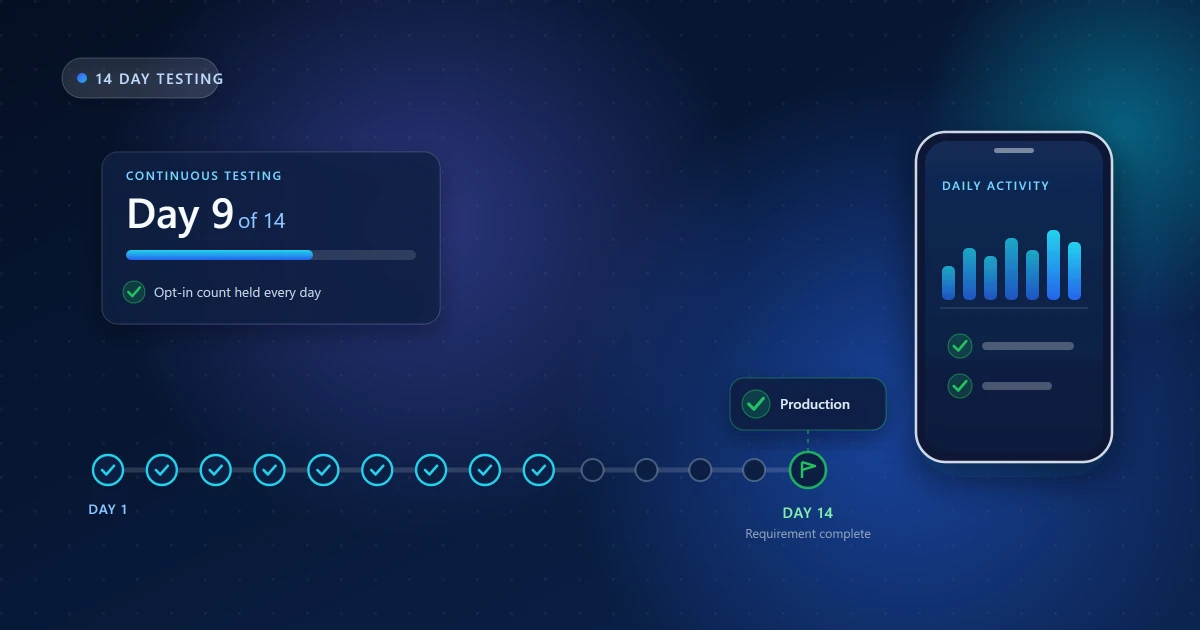
"Fourteen days of testing" sounds like waiting. It is not. The window is where you find out whether your app survives contact with devices you do not own, and it is also where rounds quietly fail — usually because the tester count slipped on day nine and nobody was watching.
This is the structure we work to during a testing round, and what is worth doing at each stage.
Tester counts and durations differ between accounts and have been adjusted by Google more than once. This guide uses a 14-day continuous window because that is the common case — but the requirement that binds you is the one displayed on your app's dashboard in Play Console. Check it before you plan around any number.
Day 0 — Preparation
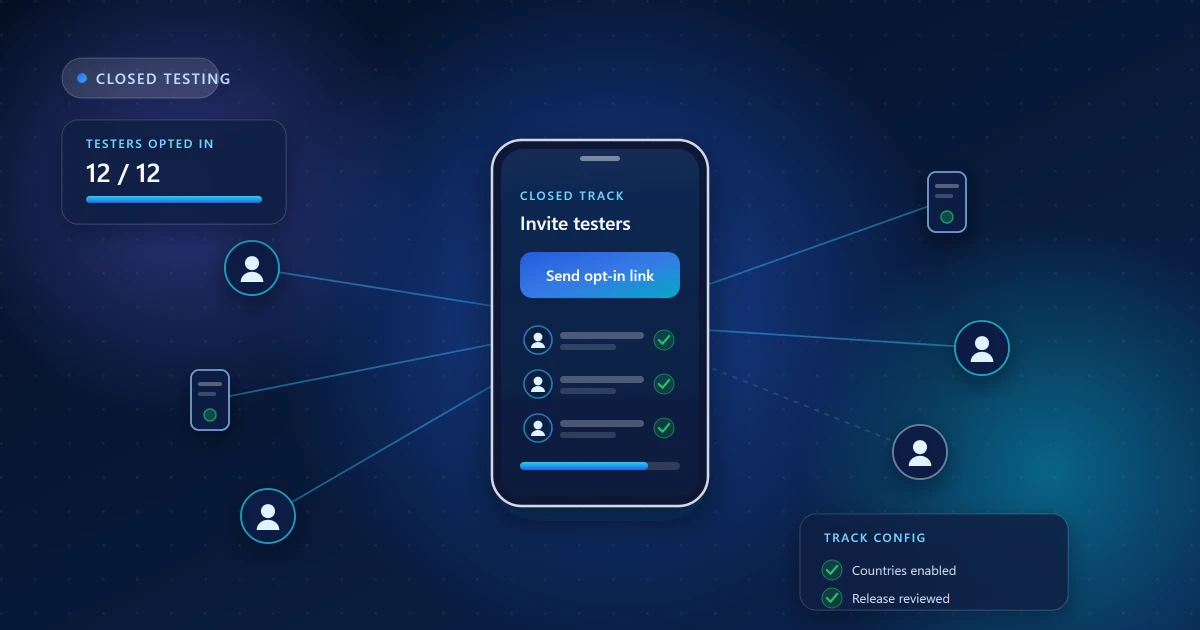
The clock does not start when you decide to begin. It starts when your closed test is live and the required number of testers are opted in. Before day one you need the release reviewed and live on the closed track, the tester list loaded, the countries your testers live in available, and the opt-in link in hand.
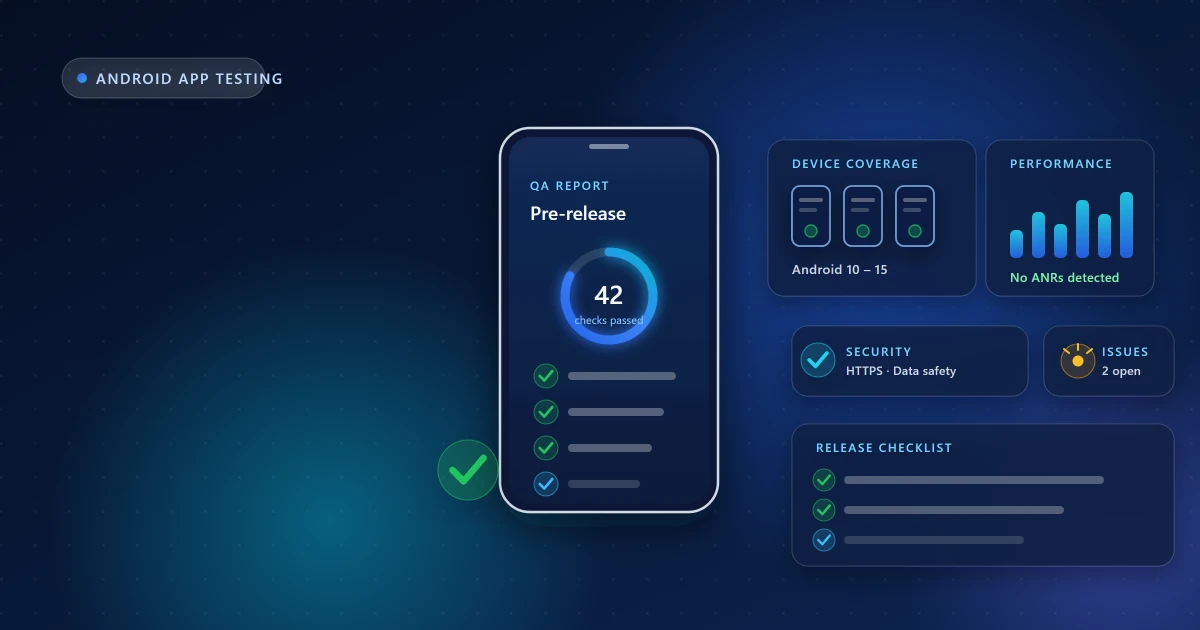
This is also the moment to read the pre-launch report Play generates for your testing build. It runs your app on real devices automatically and frequently catches a launch crash on some configuration you would never have tried. Fixing that on day zero is free; discovering it on day three costs you a third of your tester goodwill.
Our preparation guide covers this stage in full.
Day 1 — Tester onboarding
Everyone accepts the opt-in link, installs from Play, and opens the app once. Simple in theory; in practice this is the highest-friction day of the round.
The one number that matters today is the opt-in count in Play Console. Compare it against the people you invited and chase the difference immediately. Three causes account for nearly all of the gap:
- They never opened the opt-in link — being added to a list is not an invitation.
- They accepted with a different Google account than the one invited.
- Their country is not enabled on the closed-testing track.
Do not move on until the count matches what your requirement needs, with a margin. Starting a fortnight one tester short is the most expensive mistake available.
Days 2–5 — Core feature testing
Now the app gets exercised properly. This early stretch is where the most valuable defects surface, because everything is being touched for the first time by people who did not build it.
Focus on the paths every user must clear:
- Sign-up and sign-in on a clean device, including email verification or OTP delivery
- Mandatory onboarding and profile setup, completed fully
- The app's primary job — whatever a user came for — done end to end
- Permission prompts, and what happens when a tester declines one
Fix what turns up and ship the update to the closed track. Uploading new builds mid-window is normal and does not restart the period, provided testers stay opted in.
Days 6–10 — Broader usage and issue checking
With the main flows stable, coverage widens. This is where device diversity earns its keep: budget handsets with aggressive battery management, older Android versions, small screens, large screens, slow networks.
Things worth deliberately provoking:
- Returning to the app after a day away — does the session survive, or is the user silently logged out?
- Background and restore, screen rotation, and interruptions like calls
- Offline and flaky connections: clear messaging, sensible retries, no duplicate submissions
- Secondary screens, settings and anything reachable but rarely visited
- Notifications actually arriving and deep-linking to the right place
Keep watching the opt-in count daily. Dropouts are normal; leaving them unreplaced is what breaks continuity. During our rounds we monitor participation every day and replace anyone who drops so the count never falls below the requirement.
Days 11–14 — Stability and readiness
The last stretch is about confidence rather than discovery. Usage continues to the final day — the period is continuous, not "twelve days and a weekend off."
Meanwhile, turn your attention to the signals Google can see:
- Android vitals in Play Console — crashes and ANRs recorded from real tester sessions. An ANR usually means the main thread is blocked; treat them as seriously as crashes.
- Pre-launch report on your latest build, since you have shipped changes since day zero.
- Feedback themes — pull the reports together and decide what you are fixing now versus after launch.
Also confirm the housekeeping that blocks progress independently of testing: identity verification, payment profile, and any outstanding Play Console tasks.
After the requirement is complete
When Play Console marks the testing task as satisfied, the production-access application unlocks. Before submitting, verify:
- Play Console shows the testing requirement as complete — not "almost"
- The tester count held for the whole window without dipping
- There is real engagement behind the installs, not just opt-ins
- Feedback was collected, and you can say what you changed because of it
- Crashes and ANRs from the round are addressed or understood
- Store listing and data safety accurately describe the current app
- All account verification tasks are cleared
The application asks how you recruited testers, what feedback you gathered and what you did with it. Answer specifically. If your round was real, this section writes itself; if it was not, it shows. Common reasons applications get delayed covers what goes wrong here.
Then Google reviews and decides. That decision is theirs alone — what you control is arriving with a test that genuinely happened.
Frequently asked questions
Does the window restart if I upload a new version?
No. Shipping updates to the closed track during the period is expected. What matters is that testers stay opted in.
What happens if a tester opts out on day ten?
If that drops you below the required count, continuity is at risk. Replace them immediately — which is why the count is worth checking daily rather than weekly.
Do testers have to use the app every single day?
Requirements are expressed in terms of opt-in continuity, but engagement is what makes the round useful and gives you something honest to say in the application. We run daily activity for exactly that reason.
Can I apply before the 14 days are up?
Wait until Play Console marks the task complete. Applying against an incomplete requirement wastes a review cycle.
Related guides
Read closed testing explained for the background, preparation for day zero, and the pre-release checklist for what your testers should be covering. If you need a reliable group for the window itself, see our 14-day testing service.
Need Help With Your Closed Testing Round?
Get real Android testers, structured testing support, and guidance throughout your testing period.
Android App Test is an independent testing service and is not affiliated with or endorsed by Google. Google Play requirements and Play Console eligibility rules may change — always confirm the exact testing requirement displayed in your own Play Console account.